Check Your Grades
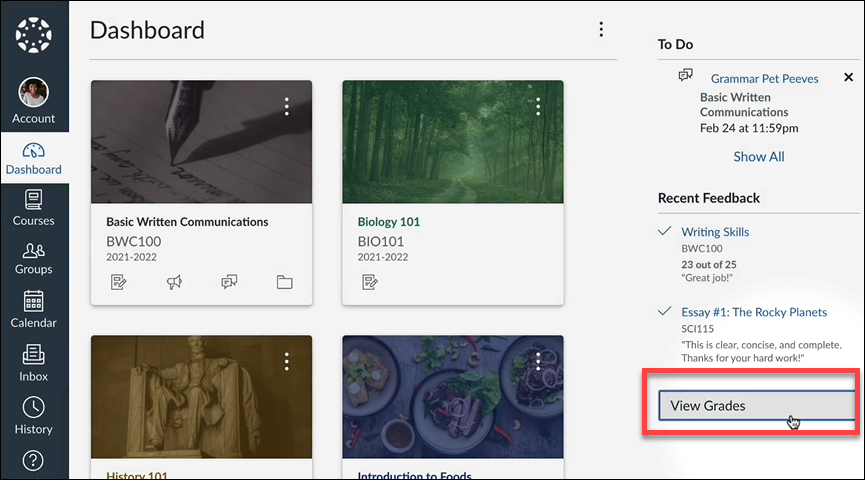
If your instructor uses UNM Canvas to share course grades, look for the View Grades link on your Dashboard.
This video gives you a more extensive tour:
Transcript and captions available - How do I view grades?
View Assignment Feedback
To look beyond your overall grade, open your course and select Grades, if available in the course menu. Select an assignment to review feedback your instructor has provided, such as comments, rubric scores, or annotations on your submitted work.
If you cannot find your feedback or have a question about a score, contact your instructor.
Understand Your Course Grade
Your displayed Canvas grade may not represent your final course grade, especially when some work has not been graded. Check your syllabus for grading policies, including assignment weights and how missing work affects your grade.