How to access your Signing Naturally materials
Access your Signing Naturally homework through Modules or Assignments in your Canvas course. Before opening your first assignment, retrieve your access code from My Shelf. Follow the steps below to activate your access and complete your homework.
Retrieve your access code
- Open your Canvas course and click My Shelf in the Course Navigation Menu or by going to Account > My Shelf.
- Locate your Signing Naturally materials and copy your access code. Keep it available for the activation step below.
Open and activate Signing Naturally
- Click Assignments or Modules in the Course Navigation Menu and open the Signing Naturally assignment your instructor has created.
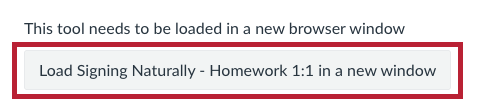
- You may need to click the button to load the assignment in a new browser tab.
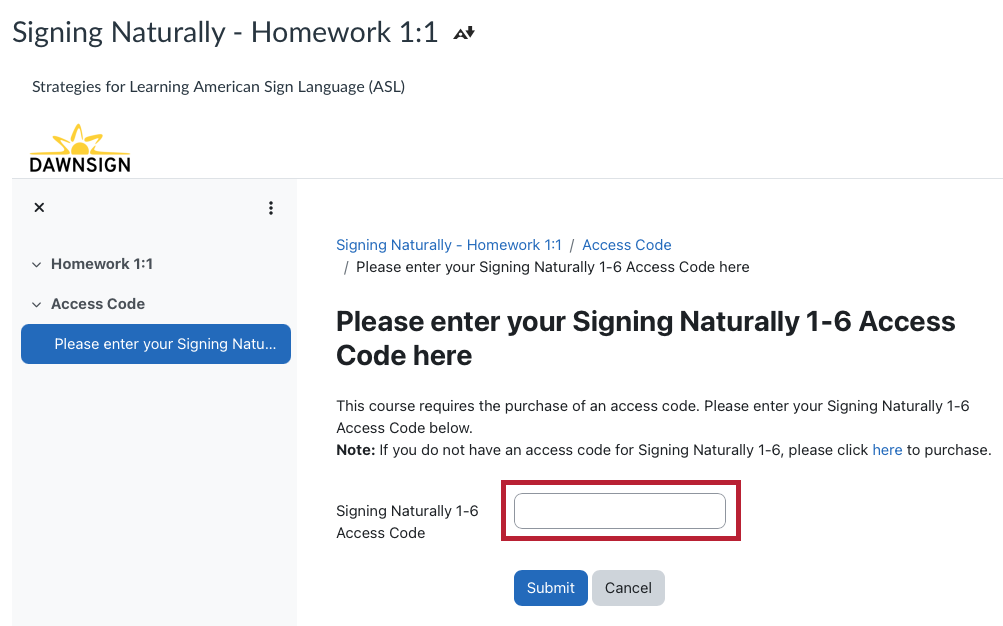
- On your first visit, enter the access code you retrieved from My Shelf when prompted, and follow the on-screen instructions to activate your access.
Already activated? Continue opening your Signing Naturally assignments through Assignments or Modules in Canvas.
Complete your homework
- Work through all sections of the homework, including any readings and activities.
- On an activity's results page, select Retry if you want to try again before submitting, or select Continue to submit your current score. Click Continue in each section to complete the homework.
- When you finish, click Exit Activity, close the homework tab, and return to your Canvas course.
- Check Grades in Canvas for your homework grade. Allow up to one hour after completing all sections for the grade to appear.
Before submitting: Retrying an activity can raise or lower your score; your highest score is not automatically retained. Once you select Continue to submit the activity score, later attempts do not send a replacement grade to Canvas.
Troubleshooting
I cannot find my access code
Confirm that you opened My Shelf and located the Signing Naturally materials. If the materials or access code are missing, please submit the Course Materials Access Help Form for assistance.
My grade has not appeared in Canvas
Make sure you completed every section of the homework and clicked Continue in each section. Grades sync hourly, so allow up to one hour. If your grade is still missing, contact your instructor and include the homework name and a screenshot of your results.