How to access your Vista Higher Learning Materials
Your Vista Higher Learning materials can be accessed directly from the Modules that your instructor has provided for you in the course or from Launch VHLCentral in the left-hand navigation menu. Your instructor may choose to provide a single link that will redirect you to your Vista Higher Learning materials or provide individual links to activities and resources as you progress through the course.
Most Vista Higher Learning materials will be deployed in the same way, via Modules. See below for an example:
- Open your Canvas Course
- Navigate to Modules in the Course Menu
- You will see that your instructor has set up either:
- A direct link to the Vista Higher Learning course
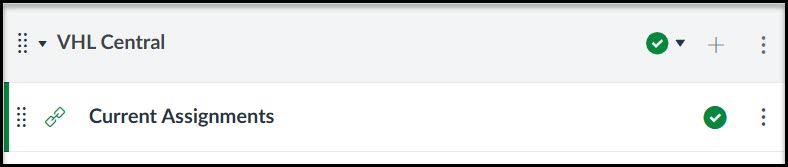
- or individual links to the activities
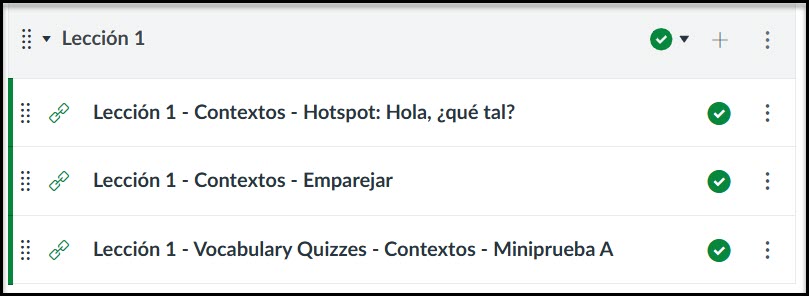
- A direct link to the Vista Higher Learning course
- Once you access your material, you will be prompted to login. Log in with your Vista Higher Learning account if you already have one. Otherwise, Create an Account.
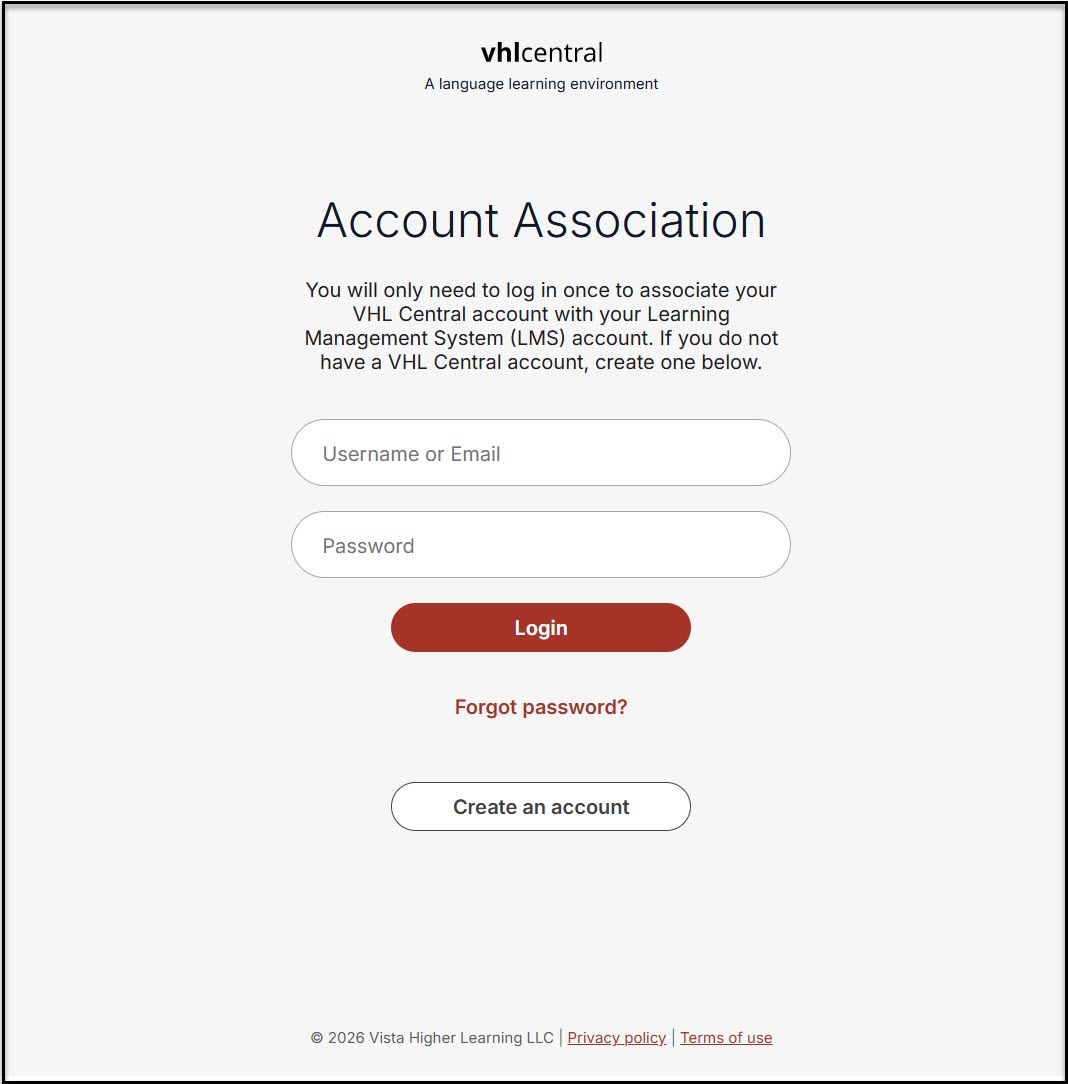
Note, if this is the first time you are logging in to VHLCentral from Canvas, you will be prompted to agree to the "Terms of Use". Scroll and read through the "Terms of Use". Then click "Agree" at the bottom.