How To Access an eBook in My Shelf
1. Log in to UNM Canvas, click Account and then My Shelf.

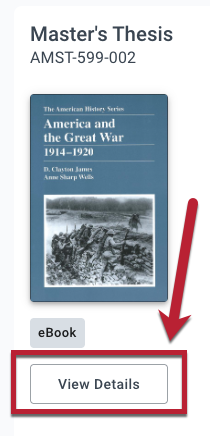
2. Click Open Book for the book you want to read.
Instructor Documentation
Instructor Support
Student Documentation
- How do I access My Shelf via the Account Menu?
- How do I access an online textbook (eBook)?
- How do I get an access code for publisher courseware materials?
- How do I access codeless publisher courseware materials?
- How do I switch between the Complete, Select and Opt-Out options?