Create your Pearson eText Course
INSTRUCTORS: Before you begin:
- Prior to the semester, instructors in the Course Materials Access program must make arrangements through the UNM Bookstore in order for Pearson eText to work.
1. After launching and linking your account with eText for the first time, choose one of the options to create a new course or copy from another instructor’s course.
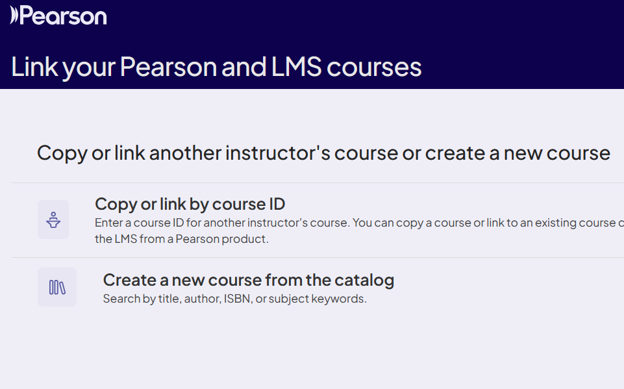
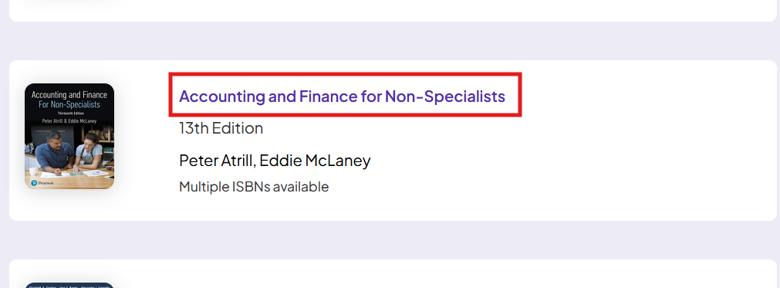
2. For creating a new course, select the desired eTextbook from the catalog.

3. Designate the Course Name, set the "Course Dates", and then click "Save"

Note: Instructors can set the courseware "Start date" and "End date" to align with the class schedule.