Launching and Linking Pearson eText
STUDENTS: Before you begin:
- Prior to the semester, instructors in the Course Materials Access program must make arrangements through the UNM Bookstore in order for Pearson eText to work.
- For campuses not participating, please see the non-VitalSource instructions.
My Shelf (VitalSource) instructions
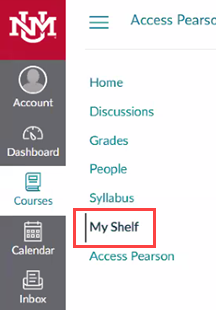
1. Click on the My Shelf link in the Course Menu.
2. Click Launch Courseware on the Pearson materials you want to access.
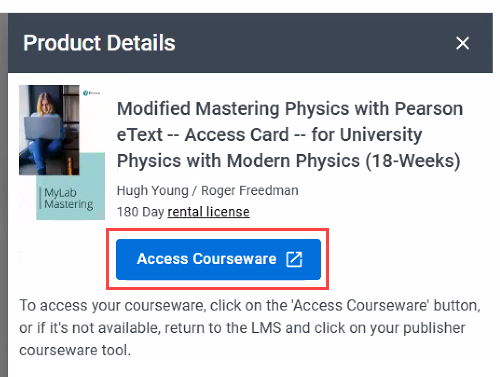
3. Select Open Pearson.

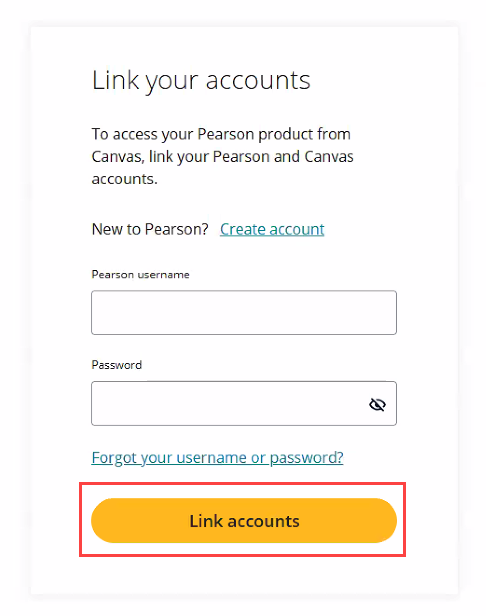
4. If prompted, link your existing Pearson account, then click “Link accounts”.
5.
Non-VitalSource instructions
1. Click on the Access Pearson link in the Course Menu.
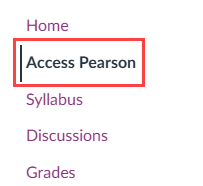
2. If prompted, link your existing Pearson account, then click “Link accounts”.
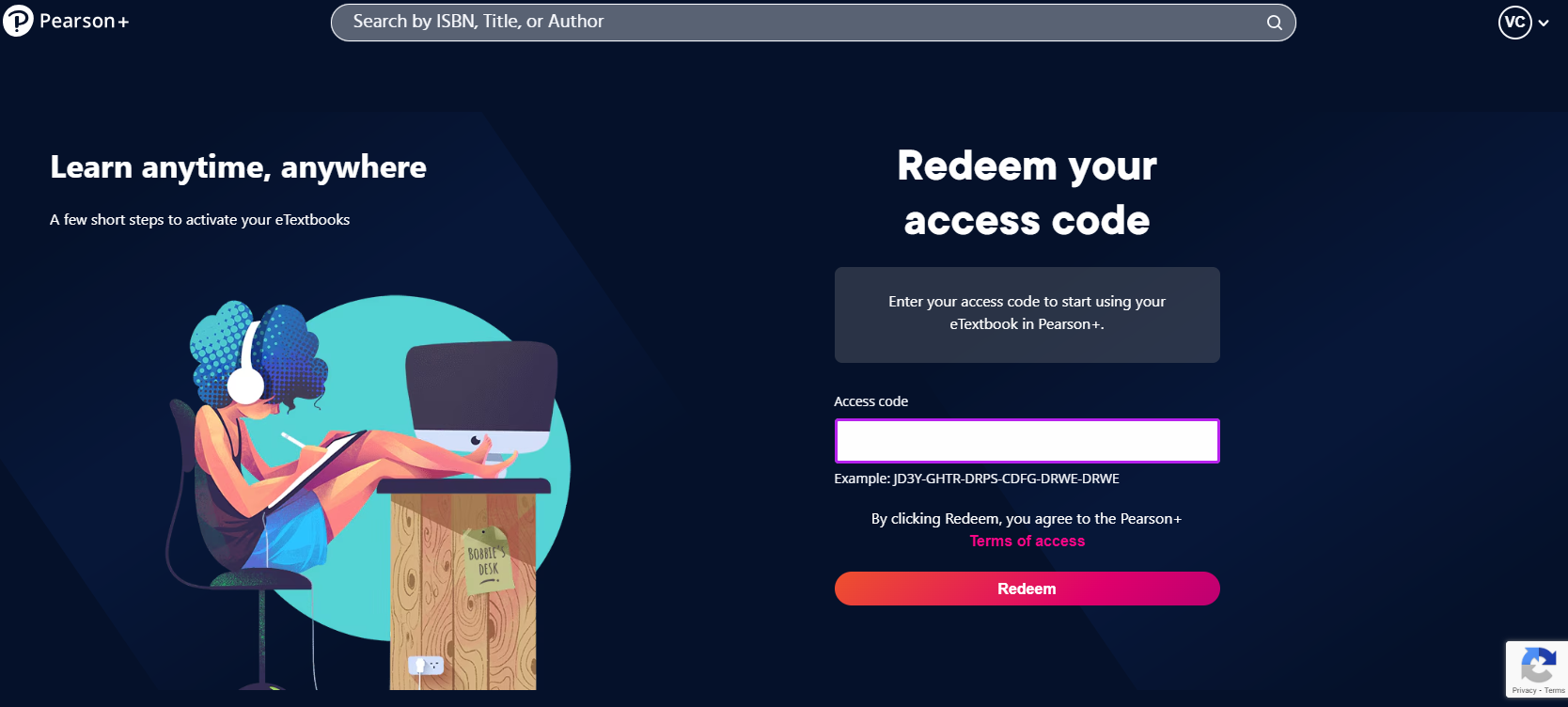
3. Enter the access code for the course by clicking Redeem.